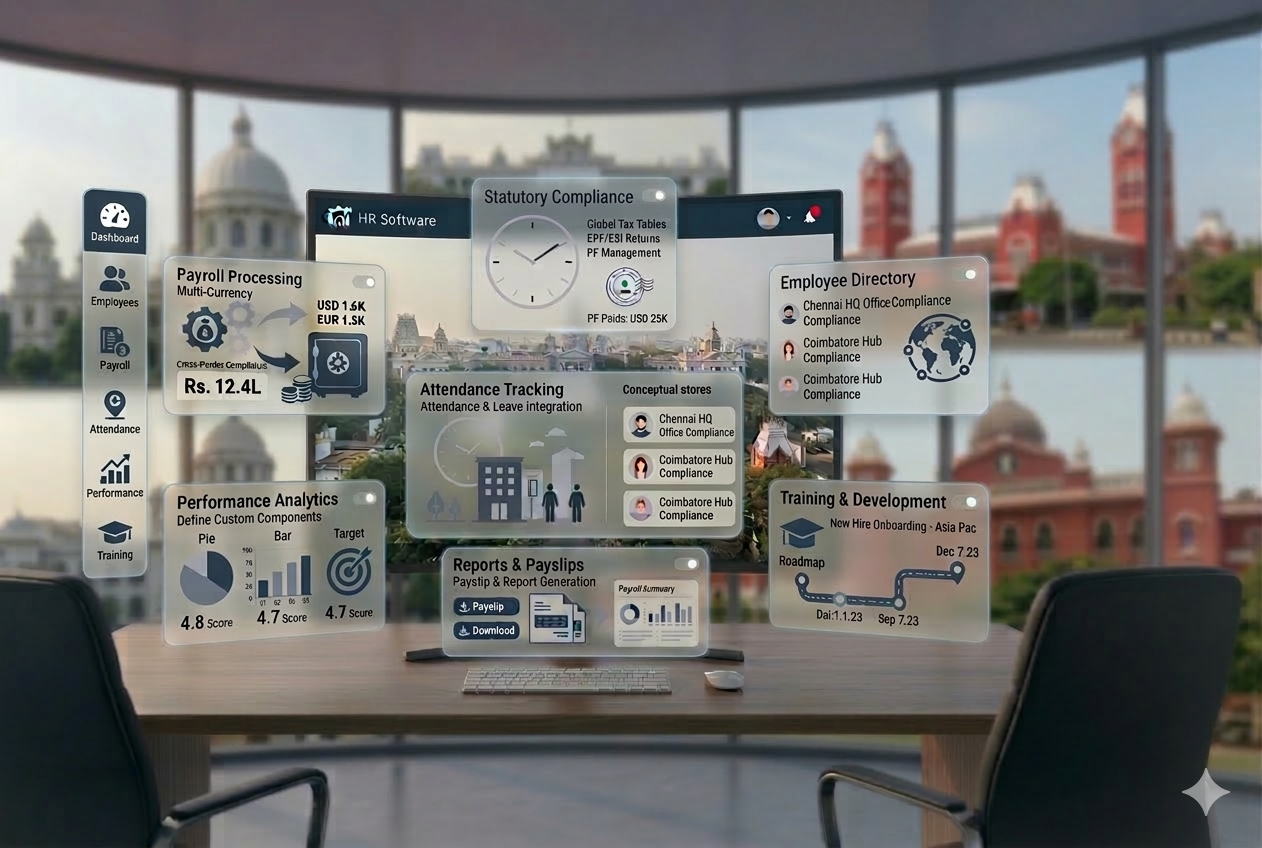
Payroll Management Guide
2026
Payroll Management System: Complete Guide (2026)
Quick Answer
What is a payroll management system?
A payroll management system is software that automates the calculation, processing, and disbursement of employee salaries â including all statutory deductions (EPF, ESI, TDS, Professional Tax), payslip generation, and compliance filings. It eliminates manual payroll processing errors and ensures every salary run is accurate and on time.
Everything HR managers, finance teams, and business owners need to know — how payroll systems work, India statutory compliance, key features, and how to transition away from Excel-based payroll.
Key Takeaways
-
✓
A payroll management system automates the entire salary process — from attendance sync to payslip generation and compliance filing. -
✓
Manual payroll using Excel is prone to calculation errors, missed deadlines, and compliance penalties. -
✓
In India, statutory deductions like EPF, ESI, TDS, and Professional Tax must be calculated and filed accurately every month. -
✓
Payroll software integrated with HRMS eliminates data silos and reduces end-to-end processing time significantly. -
✓
Choosing the right payroll system depends on compliance depth, automation level, integration with attendance, and scalability. -
✓
Businesses that automate payroll report fewer errors, faster processing, and better audit readiness.

Every month, thousands of Indian businesses face the same crisis: salary processed late, TDS deducted incorrectly, EPF filing missed, or an employee’s CTC computed wrong. Each mistake triggers one of three outcomes — a compliance penalty, an employee complaint, or a finance team working overtime to fix errors.
Payroll is not just about paying salaries. It is a legally governed, multi-step process involving employee data, attendance, leave, statutory deductions (EPF, ESI, TDS, PT), and compliance filings — all with hard deadlines. Miss the 7th, and your TDS payment is late. Miss the 15th, and your ESI is non-compliant. Miss the 21st, and EPF challan is overdue.
Yet, a large number of SMEs and growing companies still manage payroll through Excel sheets or outdated tools — creating risk with every payroll cycle.
What Is a Payroll Management System?
Quick Answer
A payroll management system is software that automates the calculation, processing, and disbursement of employee salaries — including tax deductions, statutory compliance, and payslip generation.
A payroll management system handles the end-to-end process of compensating employees accurately and on time. It captures employee data, integrates with attendance and leave records, calculates gross and net salaries, applies statutory deductions, generates payslips, and prepares compliance reports — all within a single platform.
In the context of modern HR technology, a payroll system is a core component of a broader HRMS (Human Resource Management System). When integrated with modules like attendance management, leave management, and employee self-service, it transforms payroll from a monthly headache into a reliable, automated workflow.
For Indian businesses specifically, a payroll management system must go beyond basic salary calculation — it must handle CTC structuring, EPF and ESI contributions, TDS computation under the Income Tax Act, Professional Tax by state, and timely statutory filings.
Why Businesses Need a Payroll Management System
Managing payroll manually might seem manageable when you have 10 employees. Once you cross 30, 50, or 100 people — the complexity multiplies fast.
Compliance Is Complex and Non-Negotiable
Indian payroll compliance involves multiple authorities — EPFO, ESIC, Income Tax Department, and state Professional Tax boards. Each has its own calculation rules, contribution rates, salary thresholds, and filing deadlines. A missed or incorrect filing results in penalties, interest, and legal exposure.
Manual Calculation Errors Are Inevitable
Salary calculations involve dozens of variables: basic pay, HRA, special allowances, LOP (loss of pay), overtime, bonuses, and deductions. A single formula error in an Excel sheet can cascade across the entire payroll run — affecting 50 or 500 employees at once.
Time Cost Is Unsustainable
HR and finance teams at growing companies spend 3–5 days per month on payroll processing alone. This includes data collection, calculation, verification, payslip preparation, bank transfer files, and compliance reports. That time should be spent on people, not spreadsheets.
Employee Trust Depends on Payroll Accuracy
Employees who receive incorrect salaries, delayed payments, or confusing payslips lose trust in the organization. Payroll errors are among the top reasons for employee dissatisfaction — even when the mistake is corrected quickly.
How a Payroll Management System Works (Step-by-Step)
A well-implemented payroll management system follows a structured, repeatable process every payroll cycle:
Step 1
Collect Employee Data
Employee profiles — name, designation, department, bank account, PAN, UAN — are stored centrally and updated in real-time.
Step 2
Attendance and Leave Integration
Daily attendance data and approved leaves are synced automatically, reducing manual entry errors and ensuring payable days are accurate.
Step 3
Salary Structure Calculation
Gross salary is computed based on the employee’s CTC structure — basic, HRA, allowances, and variable components.
Step 4
Statutory Deductions Applied
EPF (12% of basic), ESI (0.75% of gross, if applicable), TDS (based on IT slab), and PT (state-wise) are calculated automatically using current rates and thresholds.
Step 5
Net Salary Computation
Net pay = Gross Salary minus all deductions. This is verified before disbursement. The system flags anomalies for HR review.
Step 6
Payslip Generation
Detailed, itemized payslips are generated for every employee, showing earnings, deductions, and net pay — accessible via employee self-service portal.
Step 7
Bank Transfer File
A bank upload file (NEFT/RTGS format) is generated for bulk salary disbursement. Uploaded directly to your bank’s corporate portal.
Step 8
Compliance Filing
PF challan, ESI return, TDS (Form 24Q), and PT returns are prepared and filed within deadlines — with alerts when cut-offs approach.
Key Components of Payroll in India
Understanding the building blocks of Indian payroll is critical before selecting or implementing any payroll management software.
| Component | Description | Statutory? |
|---|---|---|
| Basic Salary | Core component — typically 40–50% of CTC. Base for EPF calculation. | No (but affects statutory) |
| HRA (House Rent Allowance) | Exempt from tax if rent is paid. Calculated as % of basic salary. | No |
| Special Allowance | Flexible component to balance CTC. Fully taxable. | No |
| Bonus / Variable Pay | Performance-linked. May be monthly or annual. | No |
| EPF (Employee Provident Fund) | 12% of basic by employee + 12% by employer. Filed monthly. | Yes |
| ESI (Employee State Insurance) | 0.75% employee + 3.25% employer on gross (if salary ≤ ₹21,000/month). | Yes |
| TDS (Tax Deducted at Source) | Monthly deduction based on projected annual tax liability. | Yes |
| Professional Tax | State-specific slab-based tax. Max ₹2,500/year. | Yes (where applicable) |
Key Features Checklist: What a Payroll System Must Have
When evaluating payroll management software, look for these must-have features:
Benefits of a Payroll Management System
For Employees
- Accurate salary credited on time — every cycle, without errors.
- Transparent payslips showing every earning, deduction, and net pay.
- Easy access to Form 16, TDS details, and salary history via self-service portal.
- Reduced payroll-related queries to HR — information is self-accessible.
For HR and Business
- Time Savings: Payroll processing time cut from days to hours with automation.
- Compliance Accuracy: Auto-calculated deductions and timely filings prevent penalties.
- Reduced Errors: Eliminates formula mistakes and data entry errors inherent in manual methods.
- Scalability: Handles 10 employees or 10,000 without increasing HR headcount.
- Audit Readiness: Complete payroll history, statutory records, and reports available at any time.
- Cost Control: Accurate employer contribution calculations prevent overpayment and underpayment.
Payroll Management System vs. Manual Payroll
| Parameter | Manual Payroll (Excel) | Payroll Management System |
|---|---|---|
| Salary Calculation | Manual formulas — error-prone | Automated — accurate every time |
| Processing Time | 3–5 days per cycle | 2–4 hours per cycle |
| Compliance | Manually tracked — frequently missed | Auto-calculated with deadline alerts |
| Scalability | Breaks down beyond 30–50 employees | Scales to thousands seamlessly |
| Error Risk | High — single formula error impacts all | Very low — validated logic |
| Payslip Generation | Manual formatting required | Auto-generated and distributed |
| Audit Trail | No structured history | Complete, searchable payroll history |
| Employee Access | No self-service | Full ESS portal access |
| Data Security | Vulnerable Excel files | Role-based access + encrypted data |
Who Should Use a Payroll Management System?
A payroll management system is not just for large enterprises. It is equally critical — arguably more so — for:
SMEs (20–200 Employees)
Managing payroll for 20–200 employees without a dedicated payroll team. Errors and compliance risks are highest here.
Startups Scaling Quickly
As headcount grows from 10 to 50+, manual payroll becomes unsustainable almost overnight.
Multi-Location Companies
Businesses operating across states face different PT rules, varying salary structures, and multiple bank accounts — all requiring system-level management.
Compliance-Heavy Industries
Manufacturing, IT, healthcare, and hospitality all face strict labour law compliance requirements that manual processes cannot reliably support.
Common Payroll Problems Without a System
If your business is experiencing any of these, it is a direct signal that manual payroll is putting you at risk.
Incorrect Salary Calculation
Wrong LOP deductions, missed arrears, or CTC miscalculation leading to employee disputes and payroll corrections.
Compliance Penalties
Late EPF challan, incorrect TDS calculation, or missed ESI return attracts interest and legal notice from EPFO or ESIC.
Delayed Payroll
Data collection and manual processing delays push salary credit past month-end, impacting employee morale and trust.
Employee Disputes
Ambiguous payslips or unexplained deductions lead to HR tickets, escalations, and erosion of trust in the organization.
Data Inconsistency and No Audit Trail
Attendance records, leave approvals, and salary data maintained in separate files lead to conflicting figures. When a compliance authority requests records, scattered Excel files make verification difficult and stressful.
How to Choose the Right Payroll Management System
The market offers many payroll tools. Not all of them are built for Indian compliance or B2B business needs. Evaluate your options on these parameters:
How Payroll Connects with Your HRMS
A payroll management system delivers its highest value when it operates as part of an integrated HRMS — not in isolation.
Attendance Integration
Daily punch data flows directly into payroll, eliminating manual LOP calculation and ensuring payable days are accurate.
Leave Sync
Approved/rejected leaves automatically update payable days without HR intervention or manual data re-entry.
Employee Database
Salary structure, PAN, UAN, bank details, and designation changes reflect instantly in payroll — no duplicate entry.
Compliance Automation
Statutory deductions update automatically when employee salary crosses EPF or ESI thresholds.
Employee Self-Service (ESS)
Employees raise reimbursement requests, view payslips, and download tax documents — reducing HR workload by 30–40%.
Standalone payroll tools require HR teams to manually export data from attendance systems, reconcile leave records, and re-enter information — creating exactly the errors that payroll automation is supposed to eliminate.
See related:
Payroll Software
Attendance Management System
Leave Management System
Employee Self-Service Portal
Payroll Implementation Guide
Switching to a payroll management system requires a structured transition. Follow this process to go live without disruption:
Step 1
Audit Your Current Payroll Process
Document every step of your existing payroll: data sources, formulas used, statutory filing process, and pain points.
Step 2
Define Salary Structures
Map out all employee salary components — basic, HRA, allowances, and variable pay — before migrating data.
Step 3
Select the Right Software
Evaluate 2–3 vendors against the criteria above. Request a demo with your actual payroll scenarios, not generic ones.
Step 4
Migrate Employee Data
Import employee profiles, historical salary data, PAN, UAN, and bank details with validation checks.
Step 5
Configure Compliance Rules
Set up EPF applicability, ESI thresholds, TDS computation method, and state-specific PT slabs.
Step 6
Run Parallel Payroll
Process one payroll cycle in both the old system and the new system simultaneously. Compare outputs before going live.
Step 7
Go Live
Once parallel results match, decommission the manual process. Ensure team training is complete before cut-off.
Real Business Use Cases
SME with 75 Employees — Rajkot-Based Manufacturing Company
Challenge: A manufacturing SME processing payroll for 75 workers across two shifts was spending 4+ days per cycle using Excel. EPF challan was frequently late due to manual consolidation delays.
Result: After implementing an integrated payroll system, the cycle was reduced to 6 hours, EPF filings became consistent, and the HR team redirected saved time toward recruitment and compliance.
Multi-Location IT Company — 3 Offices Across Gujarat, Maharashtra, and Karnataka
Challenge: A growing IT firm with offices in three states faced Professional Tax variations across each location. Maintaining separate Excel files per state created reconciliation issues.
Result: With a payroll management system supporting multi-state PT configuration, the entire company ran on a single unified payroll cycle — with accurate, state-specific deductions applied automatically.
Startup Scaling Fast — From 15 to 80 Employees in 18 Months
Challenge: A SaaS startup running payroll manually hit a breaking point at 40 employees. The founder was personally reviewing salary sheets each month to avoid errors.
Result: After deploying an HRMS with integrated payroll, onboarding new employees auto-populated payroll, and statutory compliance became system-driven rather than founder-dependent.
Final Thoughts
Payroll is not a back-office function — it is a trust mechanism. Every employee expects accurate, timely pay with clear documentation. Every compliance authority expects accurate, timely filings. Failing on either front creates financial, legal, and cultural damage.
A payroll management system does not just save time. It removes the risk of human error from a process where errors are costly. It makes compliance predictable. It gives employees transparency and confidence. And it frees your HR and finance teams to focus on growth — not month-end firefighting.
If your business is still managing payroll through Excel sheets, or using a tool that requires significant manual intervention, you are not managing payroll — you are managing risk. The question is not whether to move to a payroll system, but how soon.
See related:
Payroll Software
Attendance Management System
Leave Management System
Employee Self-Service Portal
See Payroll Software
Spending hours on payroll, PF/ESI/PT & compliance every month?
factoHR automates payroll, attendance, leave and Tamil Nadu labour compliance in one platform — trusted by 4,000+ businesses across Chennai & India. See it on your own use-case in a free 30-minute demo.
Book a Free Demo →
Bhoomi specializes in SEO and content strategy for HR technology businesses. She researches HRMS, payroll, attendance, leave management, and Indian labour compliance to help organizations make informed software decisions and simplify HR processes through practical, search-focused content.
Connect on LinkedInQuestions Answered
What Is a Payroll Management System? Complete Guide 2026
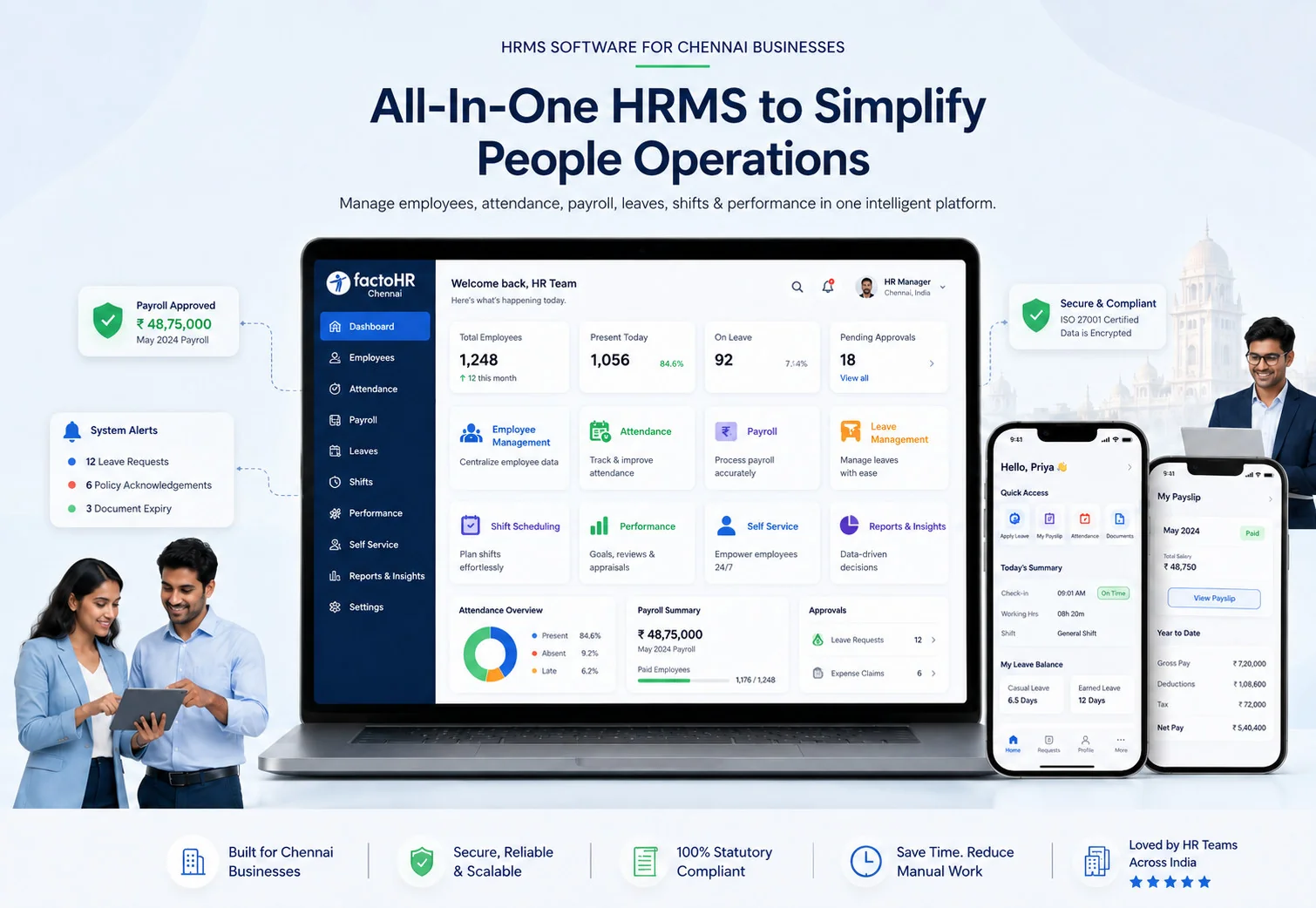
See factoHR in 30 minutes
Get a personalized walkthrough by our Chennai team. Activate the free plan instantly - payroll, attendance & compliance on day one.
4.9
G2 / Capterra
10+
Years experience
4,000+
Indian businesses
- Tamil Nadu compliance - PF, ESI, PT & minimum wages auto-handled
- ISO 27001 certified - bank-grade encryption for your data
- Free plan forever - no time limit, cancel anytime
Instant activation · No credit card · Chennai team