Key Takeaways
-
✓
Definition: An attendance management system automates employee time and attendance tracking — replacing manual registers, Excel sheets, and error-prone processes. -
✓
Core Benefit: It directly improves payroll accuracy by feeding real attendance data into salary calculations — eliminating the most common source of payroll errors. -
✓
Types Available: Biometric, RFID/card-based, mobile GPS, cloud-based, and hybrid systems — each suited to different workforce types. -
✓
India Context: Shift management, overtime tracking, PF/ESI compliance, and multi-location workforce management are all supported in good attendance software for India. -
✓
Integration: Attendance systems deliver the most value when connected to payroll, leave management, and your full HRMS — not used as a standalone tool. -
✓
ROI is Fast: Most businesses recover implementation costs within 2–3 payroll cycles through reduced errors, saved HR time, and eliminated salary disputes.
Every month, payroll teams across India waste hours chasing the same problems. Attendance marked incorrectly. Overtime not captured. A factory supervisor manually counting shifts from a register. An HR manager reconciling three different spreadsheets before salary can be processed.
These are not edge cases. For most SMEs and mid-sized businesses managing 50 to 500 employees, manual attendance tracking is a daily source of errors, disputes, and compliance risk.
An attendance management system fixes this at the source. It captures accurate attendance data, connects it to leave and payroll, and gives HR real-time visibility into workforce presence — without the manual work.
What Is an Attendance Management System?
Quick Answer
An attendance management system is software that automatically records, tracks, and reports employee attendance — including check-in/out times, shift hours, leaves, and overtime — and syncs this data with payroll and HR systems.
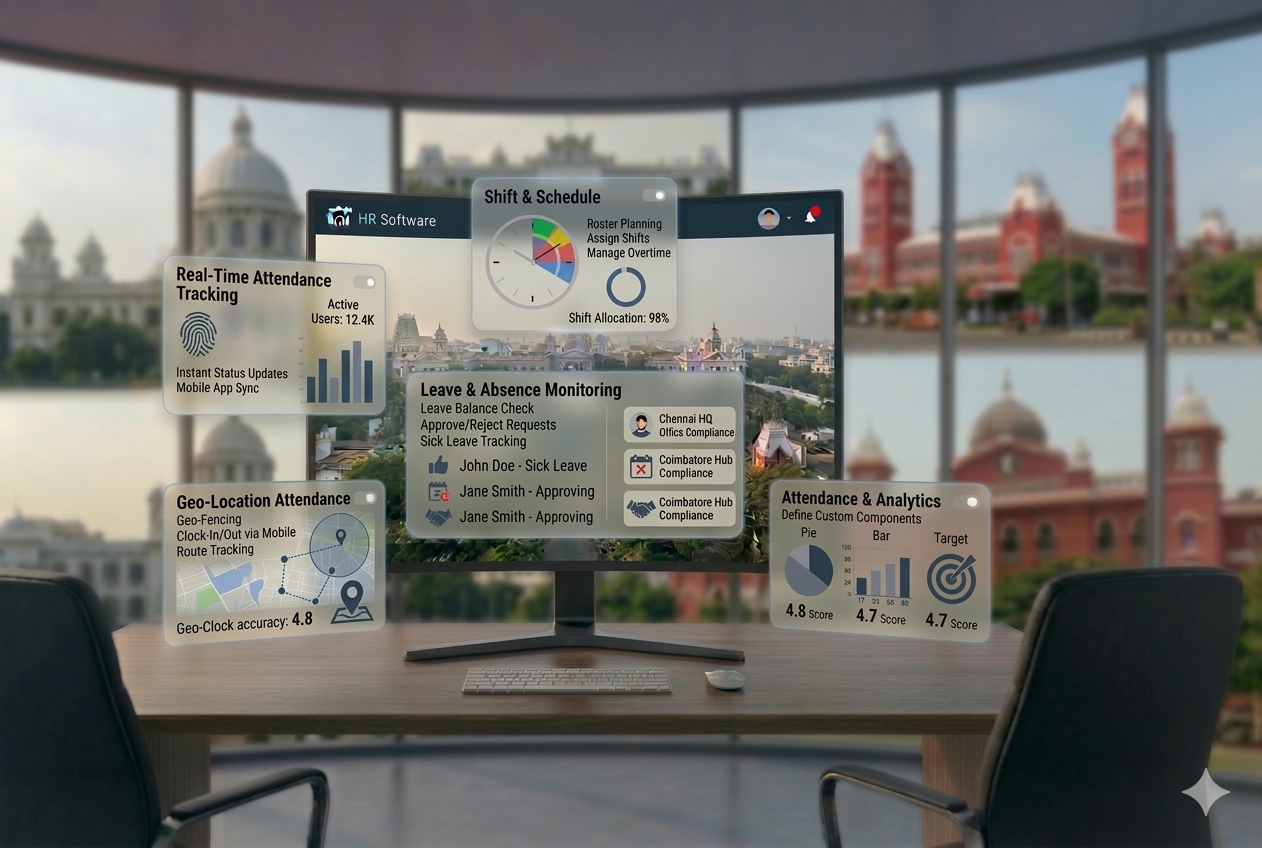
In practice: instead of employees signing a register, filling timesheets, or HR manually updating spreadsheets, the system captures attendance automatically through biometric devices, mobile apps, or web portals.
The data is instantly available: who is present, who is absent, who is late, how many hours each employee has worked, and whether overtime thresholds have been crossed.
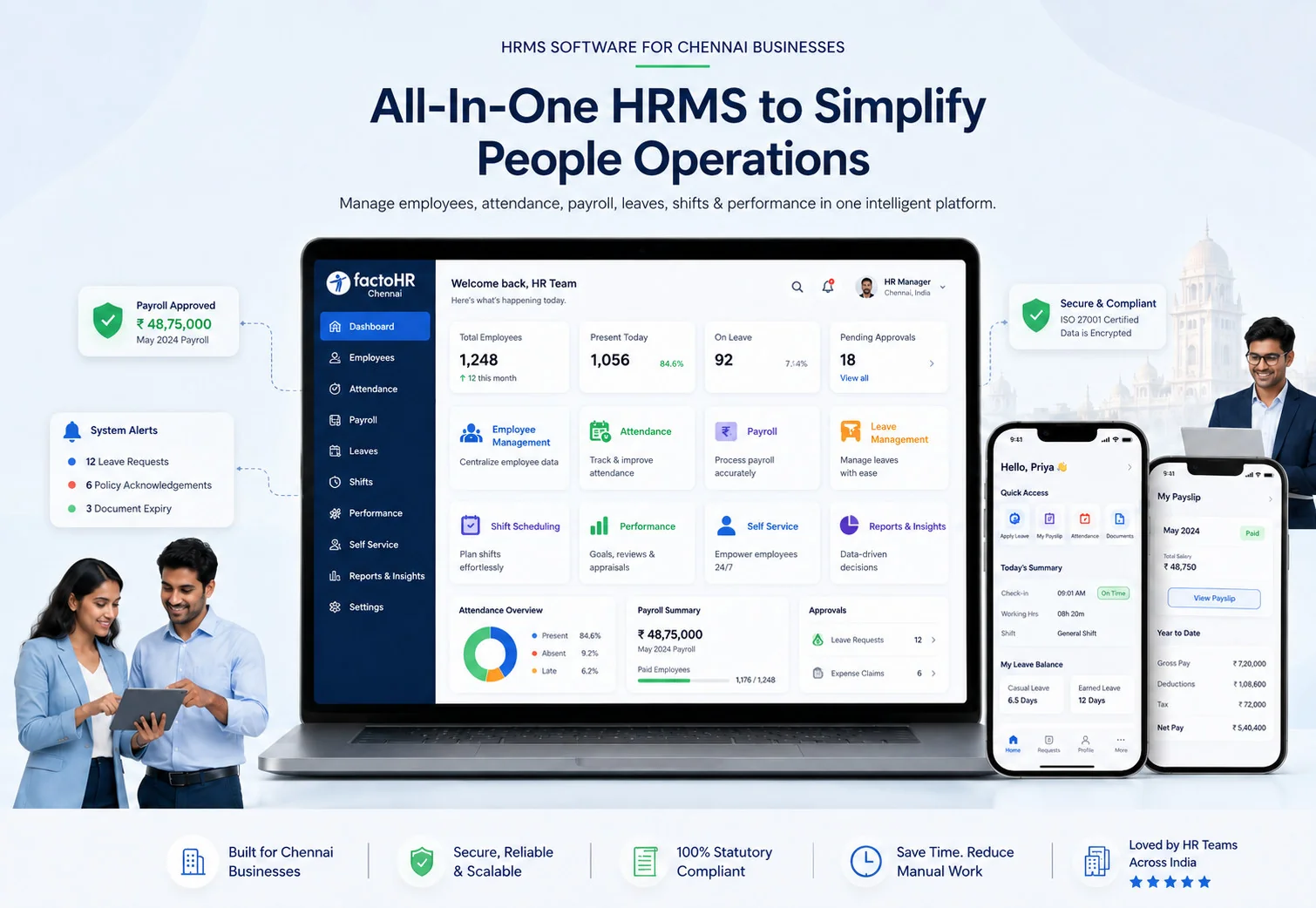
An attendance management system is typically a module within a full HRMS (Human Resource Management System). When integrated, it feeds attendance data directly into leave management and payroll — creating a single, connected HR workflow.
You may also see it referred to as: employee attendance system, time and attendance system, attendance tracking software, or attendance management software.
Why Businesses Need an Attendance Management System
Most organizations do not adopt an attendance system because they think their current process works. What they mean is: it has not failed catastrophically yet. The costs are hidden.
Manual Tracking Errors
Hand-written registers, Excel sheets, and WhatsApp attendance messages introduce errors at every step — wrong entries, missed updates, and formatting inconsistencies that compound by the time payroll runs.
Payroll Inaccuracies
If attendance data is wrong, salary is wrong. Overpayments and underpayments both create problems — either direct financial loss or employee disputes that damage trust and retention.
Buddy Punching and Time Theft
In manual systems, one employee can mark attendance for another. In factories and large teams, this is a common and costly problem. Biometric systems make it structurally impossible.
No Real-Time Visibility
Without an attendance system, HR has no live view of who is present, who has not checked in, or whether staffing is adequate for the day. Decisions are made on yesterday’s data at best.
Compliance Risk
Indian labour laws require accurate working hour records for PF, ESI, and overtime compliance. Manual systems cannot reliably produce audit-ready reports — putting businesses at risk during inspections.
How an Attendance Management System Works (Step-by-Step)
The core workflow is straightforward and applies across most attendance systems:
Employee Check-In
The employee marks attendance via biometric device (fingerprint/face), RFID card, mobile app with GPS, or web portal login. The timestamp is captured instantly.
Data Capture and Storage
The system records check-in time, location (for GPS-based), and device ID. Data is stored in the cloud or local server, depending on the system.
Shift and Policy Mapping
The system matches the employee’s attendance against their assigned shift — standard hours, flexible hours, or rotational shift. Late arrivals, early departures, and half-days are automatically flagged.
Attendance Calculation
By end of day, the system calculates total working hours, overtime, and any attendance regularization needed. Reports are generated automatically.
Leave and Overtime Sync
Approved leaves are synced with attendance records. Overtime hours are calculated against shift policy and flagged for payroll processing.
Payroll Integration
At payroll cut-off, attendance data — present days, absent days, leaves, overtime — is pushed directly into the payroll engine. Salary is calculated without manual data entry.
The entire chain — from check-in to salary processing — runs with minimal HR intervention. That is the core value of an attendance management system.
Types of Attendance Management Systems
The right type depends on your workforce structure, locations, and budget:
| Type | How It Works | Best For |
|---|---|---|
| Biometric Attendance System | Fingerprint or facial recognition at entry points. Zero buddy punching. | Offices, factories, schools, hospitals |
| RFID / Card-Based System | Employees swipe smart cards or RFID tags at entry terminals. | Manufacturing plants, large campuses |
| Mobile GPS Attendance | Employees check in via mobile app; GPS verifies their location. | Field sales, remote workers, service teams |
| Cloud-Based Attendance System | Web or app-based check-in; data stored in cloud; accessible anywhere. | IT companies, startups, hybrid workforces |
| Hybrid System | Combines biometric + mobile + web access in one platform. | Multi-location businesses with mixed workforce types |
India Recommendation
For most Indian SMEs, a cloud-based attendance system with biometric integration and mobile support covers all scenarios — office staff, remote workers, and field teams — within a single platform.
Key Features Checklist for an Attendance Management System
Use this checklist when evaluating attendance tracking software for your business:
Benefits of an Attendance Management System
For Employees
- Transparency: Employees can view their own attendance, leave balance, and shift schedule in real time — no surprises on payslip day.
- Simple Check-In: Biometric or mobile check-in takes seconds. No queues at registers, no paper forms.
- Fair Overtime Recognition: Overtime hours are automatically recorded and reflected in salary — employees are not dependent on manual approval.
- Easy Regularization: If attendance is missed or incorrect, employees can raise a correction request directly through the system.
For HR and Business
- Accurate Payroll: Attendance data flows into payroll automatically — eliminating the biggest source of salary errors in most organizations.
- Reduced HR Workload: No more manual attendance consolidation before payroll. HR saves 5–10 hours per payroll cycle.
- Better Workforce Visibility: Real-time dashboards show presence, absenteeism, and understaffing across locations and departments.
- Compliance Confidence: Working hour records are audit-ready — essential for PF, ESI, and labour law compliance in India.
- Lower Attrition Risk: Fair, transparent attendance tracking improves trust and reduces salary disputes — a common attrition trigger.
Attendance Management System vs Manual Tracking
| Parameter | Manual / Excel Tracking | Attendance Management System |
|---|---|---|
| Accuracy | High error rate — manual entry, transcription mistakes | Real-time, automated capture — near-zero errors |
| Time to Process | 2–4 hours of HR time per payroll cycle | Automated sync — minutes, not hours |
| Buddy Punching | Common problem — no prevention mechanism | Biometric or GPS eliminates buddy punching |
| Real-Time Visibility | Not possible — data is always delayed | Live dashboard — instant visibility |
| Scalability | Breaks down beyond 50 employees | Scales to hundreds of employees with no added effort |
| Compliance Readiness | Reports must be manually prepared for audits | Audit-ready reports generated automatically |
| Payroll Integration | Manual export / data re-entry every month | Direct API integration — no re-entry needed |
| Cost of Errors | Salary disputes, overpayments, correction cycles | Eliminated — data is clean from source |
Who Should Use an Attendance Management System?
An attendance system is relevant for almost every organization with salaried or waged employees — but the impact is highest in these scenarios:
SMEs with 50–300 Employees
Where HR is lean and manual attendance processing is already a bottleneck.
Manufacturing and Factory Environments
Multiple shifts, large blue-collar workforce, overtime calculations, and strict compliance requirements.
IT and Tech Companies
Flexible hours, work-from-home arrangements, and multiple office locations need cloud-based tracking.
Field Workforce Organizations
Sales teams, service engineers, delivery staff — mobile GPS attendance is essential.
Multi-Location Businesses
Centralized attendance reporting across branches, cities, or states — impossible to manage manually at scale.
Healthcare and Hospitality
24/7 shift coverage, rotating rosters, and high staff turnover make automated tracking a necessity.
Common Problems Without an Attendance System
Payroll Delays
Attendance data is not ready on time. HR spends days collecting, consolidating, and correcting records before payroll can run — pushing salary processing past deadline.
Buddy Punching
In manual systems, employees mark attendance for absent colleagues. Across a 200-person workforce, even a 5% buddy punching rate translates into significant salary loss every month.
Incorrect Salary Calculation
Wrong attendance data leads to wrong salary. Overpayments are a direct cost. Underpayments trigger employee disputes, corrections, and sometimes legal complaints.
Compliance Risk
Without accurate working hour records, businesses cannot fulfill obligations under the Factories Act, Shops and Establishments Act, or minimum overtime requirements — creating audit and penalty exposure.
HR Overload
HR manually tracks attendance, processes corrections, resolves disputes, and prepares payroll inputs — all of which could be automated. This leaves no time for strategic HR work.
How to Choose the Right Attendance Management System
Not all attendance tracking software delivers the same value. Use this decision guide before you commit:
How an Attendance System Connects with Payroll and HRMS
An attendance management system used in isolation captures data — but cannot act on it. The real productivity gain happens through integration.
Here is how a connected attendance system fits into the full HR workflow:
| Module | Integration Point |
|---|---|
| Payroll Software | Present days, absent days, overtime, and leave without pay are pushed to payroll automatically at cut-off. |
| Leave Management System | Approved leaves are reflected in attendance records in real time — no double entry. |
| Employee Self-Service Portal | Employees view their own attendance, raise regularization requests, and track approval status. |
| HRMS Employee Records | Shift assignments, department, and attendance policy are pulled from the central employee master. |
| Compliance Reports | Statutory reports for PF, ESI, and labour law audits are generated using attendance data. |
| Onboarding Software | New employee shift and attendance policy assignment is triggered automatically at onboarding. |
This is why standalone attendance apps often disappoint. The value is not in recording check-ins — it is in what happens to that data downstream. A connected HRMS turns attendance into payroll accuracy, compliance readiness, and workforce intelligence.
See Related
Implementation Guide: Rolling Out an Attendance Management System
A well-implemented attendance system runs smoothly from day one. A poor implementation creates more problems than it solves. Follow this sequence:
Audit Your Current Process
Document how attendance is currently tracked. List every manual step, identify where errors occur, and note how attendance data flows into payroll today.
Define Attendance Policies
Before selecting software, finalize your shift structures, overtime rules, grace period for late arrivals, and leave-without-pay thresholds. The system should match your policy — not the reverse.
Choose the Right System
Use the decision checklist above. Shortlist 2–3 vendors, request demos, and test with your HR team. Prioritize payroll integration and India compliance support.
Set Up Devices and Integration
Install biometric devices if applicable. Configure mobile app access for field teams. Complete API integration with your payroll and HRMS platform.
Migrate Employee Data
Upload employee master data — name, department, shift, location. Validate against existing HR records before go-live.
Run a Parallel Cycle
For the first payroll cycle, run the new system alongside your old process. Compare outputs to validate accuracy before fully switching over.
Train Employees and Managers
Conduct a 20-minute walkthrough for employees on how to check in, raise regularization requests, and view their attendance. Train managers on approval workflows.
Monitor and Optimize
For the first 60 days, track system usage, flag recurring errors, and measure the reduction in HR queries related to attendance. Use this data to refine shift policies and report configurations.
Real Business Use Cases
Final Thoughts
Manual attendance tracking is one of the easiest HR problems to solve — and one of the most expensive to ignore. Every payroll cycle that runs on incorrect attendance data costs time, money, and employee trust.
An attendance management system removes the problem at the source. Accurate check-in data. Automatic payroll sync. Compliance reports ready on demand. Real-time visibility across locations and shifts.
For Indian SMEs managing 50 to 500 employees, the right attendance system pays for itself within two to three payroll cycles — through eliminated errors, saved HR time, and fewer salary disputes.
If you are evaluating HR software for your business, treat the attendance module as non-negotiable. Ensure it connects natively to your payroll software and leave management system — not just as a standalone time-tracking tool.
See Related
Attendance Management in Chennai & Tamil Nadu
Businesses across Chennai â from IT parks in OMR and Sholinganallur to factories in Ambattur and Perungudi â rely on attendance management systems built for India-specific compliance. Tamil Nadu’s Shops and Establishments Act, the Factories Act overtime rules, and PF/ESI contribution tracking are all automated within a proper attendance system. Field sales teams operating across Chennai, Coimbatore, and Madurai use GPS-based mobile attendance to replace paper registers entirely.