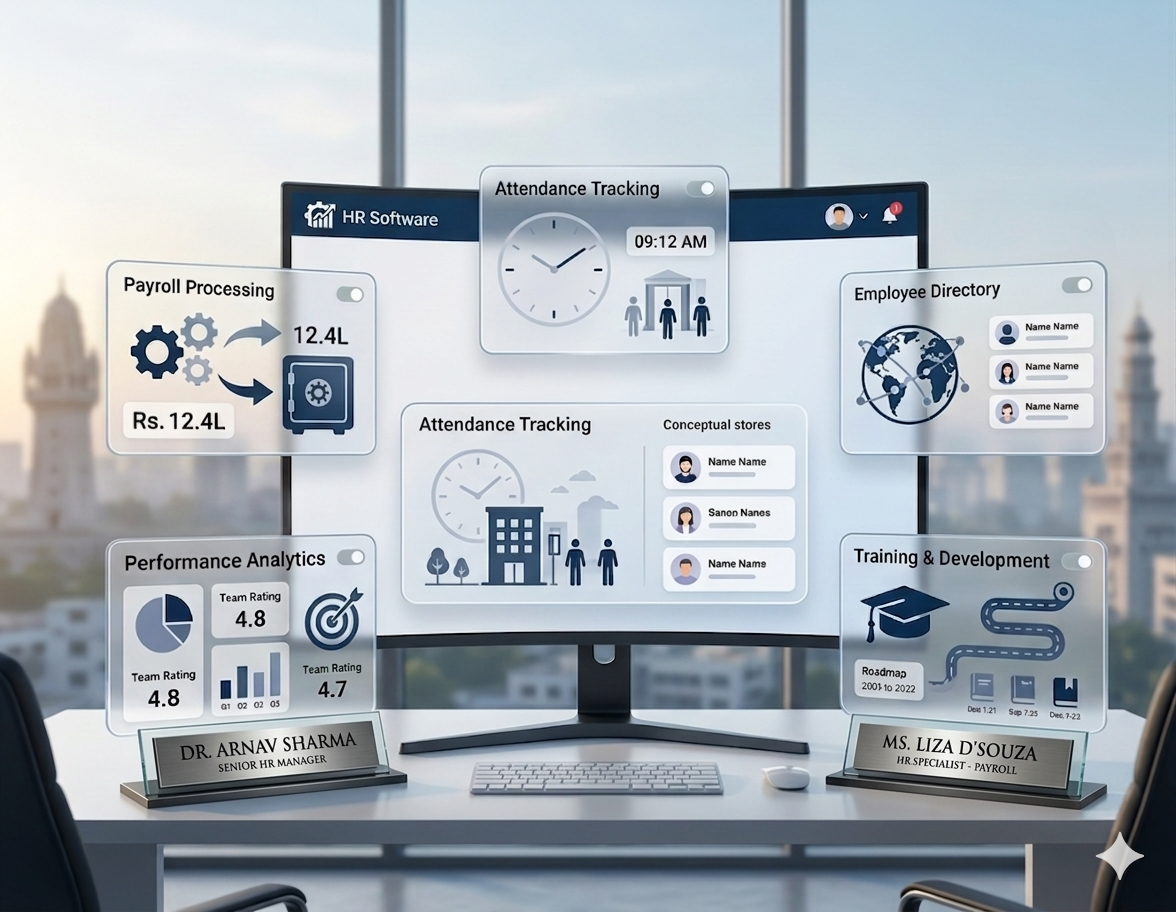
Guide Overview
What Are employee records?
Employee records are the structured set of profile details, employment documents, approvals, policy acknowledgements, role history, and compliance-sensitive information maintained by HR throughout the employee lifecycle.
These records support more than documentation. They affect payroll accuracy, attendance mapping, audit readiness, employee movement, manager visibility, and regulatory response. When records are incomplete or inconsistent, multiple HR workflows break down together.

Why Multi-Location Record Control Matters
When teams grow across branches or units, records often become scattered between local HR staff, email attachments, spreadsheets, and folders. That makes even basic record verification slow and unreliable.
- One employee may work across multiple reporting points: profile accuracy needs to remain consistent everywhere.
- Document collection may happen locally: central HR still needs one verified repository.
- Approvals can come from different managers: record changes need visible history.
- Compliance response must stay fast: HR should not search across locations during audit or review.
Core Employee Record Categories HR Teams Should Maintain
Growing teams should not treat all records the same. It helps to define the main record categories so ownership and update discipline remain clear.
1. Master Profile
Name, employee code, reporting manager, department, location, designation, and employment status.
2. Document Records
ID proof, address proof, bank details, educational records, offer letter, and signed forms.
3. Employment History
Transfers, role changes, manager changes, salary revisions, and employee status updates.
4. Compliance and Policy
Approvals, declarations, acknowledgements, and compliance-related supporting documents.
How to Govern Employee Documents Properly
Document control is one of the biggest weaknesses in growing teams. Files get shared by email, renamed inconsistently, or stored in separate location folders without central verification.
Good document governance should include:
- One central record system for all employee documents
- Clear ownership for upload, review, and validation
- Consistent naming and category structure
- Visibility into missing, outdated, or pending documents
- Access control for sensitive files
Why Approval and Change History Should Be Visible
Records are not static. Employees move locations, managers change, compensation gets revised, and policy acknowledgements are updated. Multi-location teams need a visible history of these changes so HR can answer who changed what and when.
Key history items to track
- Profile edits and date of change
- Approver name and approval timestamp
- Location or department movement history
- Salary or designation update trail
- Document re-upload or correction history
Common Employee Record Gaps HR Teams Should Prevent
Most record problems are operational, not technical. They happen when teams treat employee records as a passive storage activity instead of an active workflow.
- Different versions of the same profile across branches
- Missing employee documents or incomplete uploads
- No clear approval history for profile changes
- Salary, designation, or manager changes not updated centrally
- Compliance-sensitive records spread across local folders
These gaps create downstream issues in payroll, compliance review, onboarding quality, and exit handling.
What Employee Records Software Should Automate
A strong employee records platform should not act like a simple file repository. It should help HR maintain reliable employee history across every location and workflow touchpoint.
Centralized Employee Profiles
Maintain one version of employee data across departments, branches, and reporting lines.
Document Visibility
Track collected, pending, expiring, and validated documents without relying on local folder checks.
Approval Trail
Maintain visible history for record edits, transfers, role updates, and compliance-relevant changes.
Multi-Location Access Control
Let local teams update what they own while central HR keeps policy and compliance visibility.
In practice, software adds the most value when it turns employee records into a searchable, auditable, and workflow-connected system instead of a static archive.
Conclusion
Employee records become more complex as businesses scale across locations. The solution is not more spreadsheets or folders. It is clearer record categories, central visibility, disciplined document control, and approval history that can be reviewed at any time. When HR teams structure employee records well, payroll, compliance, onboarding, and employee lifecycle workflows all become more reliable.